Product Logic
The WooCommerce Egaline Calculator has to turn project measurements into a product quantity that a customer can actually order. Material requirements may depend on surface area, layer thickness, kilograms per square metre, bag weight and product variation, so a normal quantity field does not explain how much is needed. A calculation that is detached from the cart would also leave customers repeating information later.

The plugin therefore needed validated numeric inputs, product-specific rules and a way to carry calculated values through the purchase flow. Pricing, discounts and tax behaviour still had to remain within WooCommerce rather than being duplicated in a separate estimator. The portfolio story needed to describe the buying problem accurately without promising that every project measurement is automatically suitable for installation.
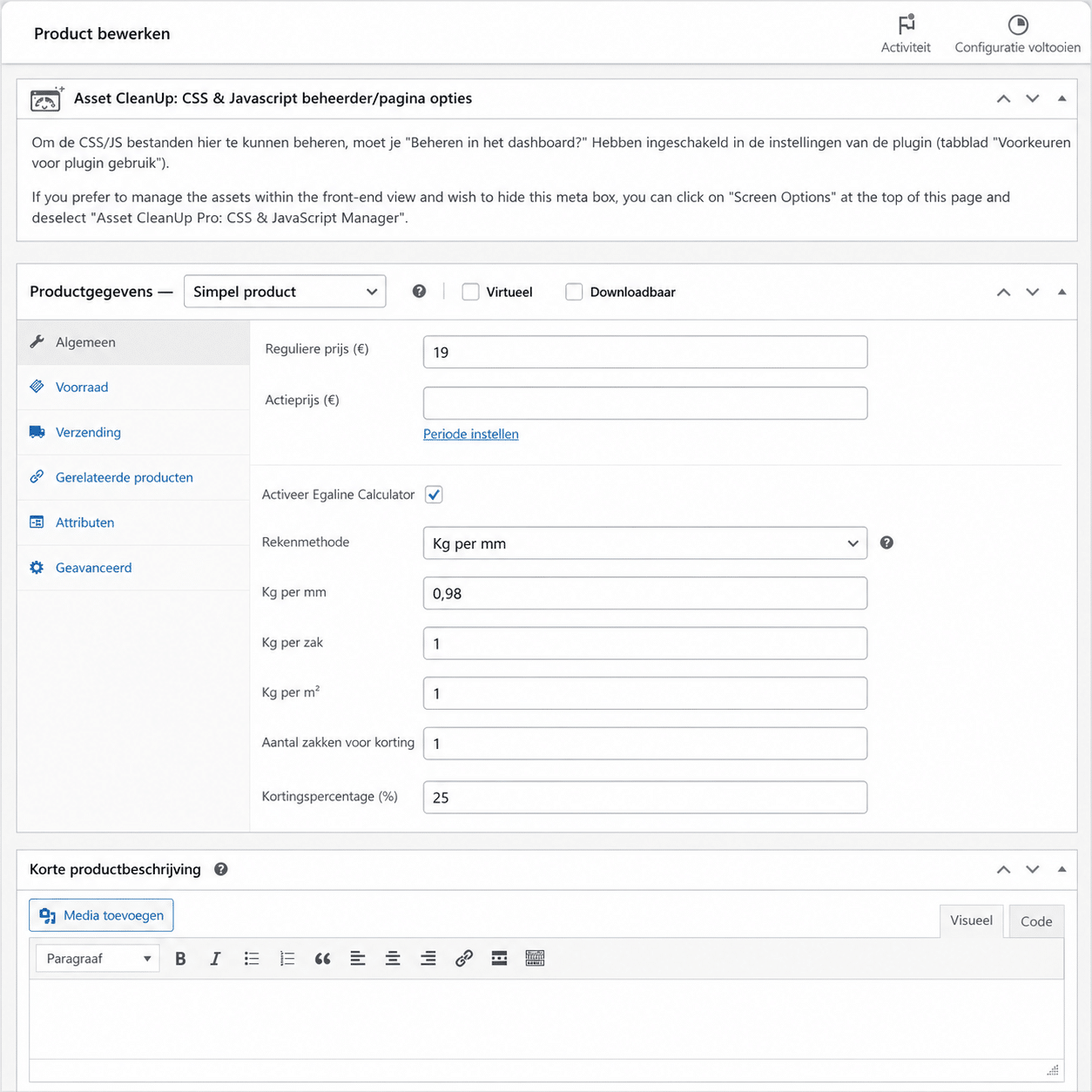
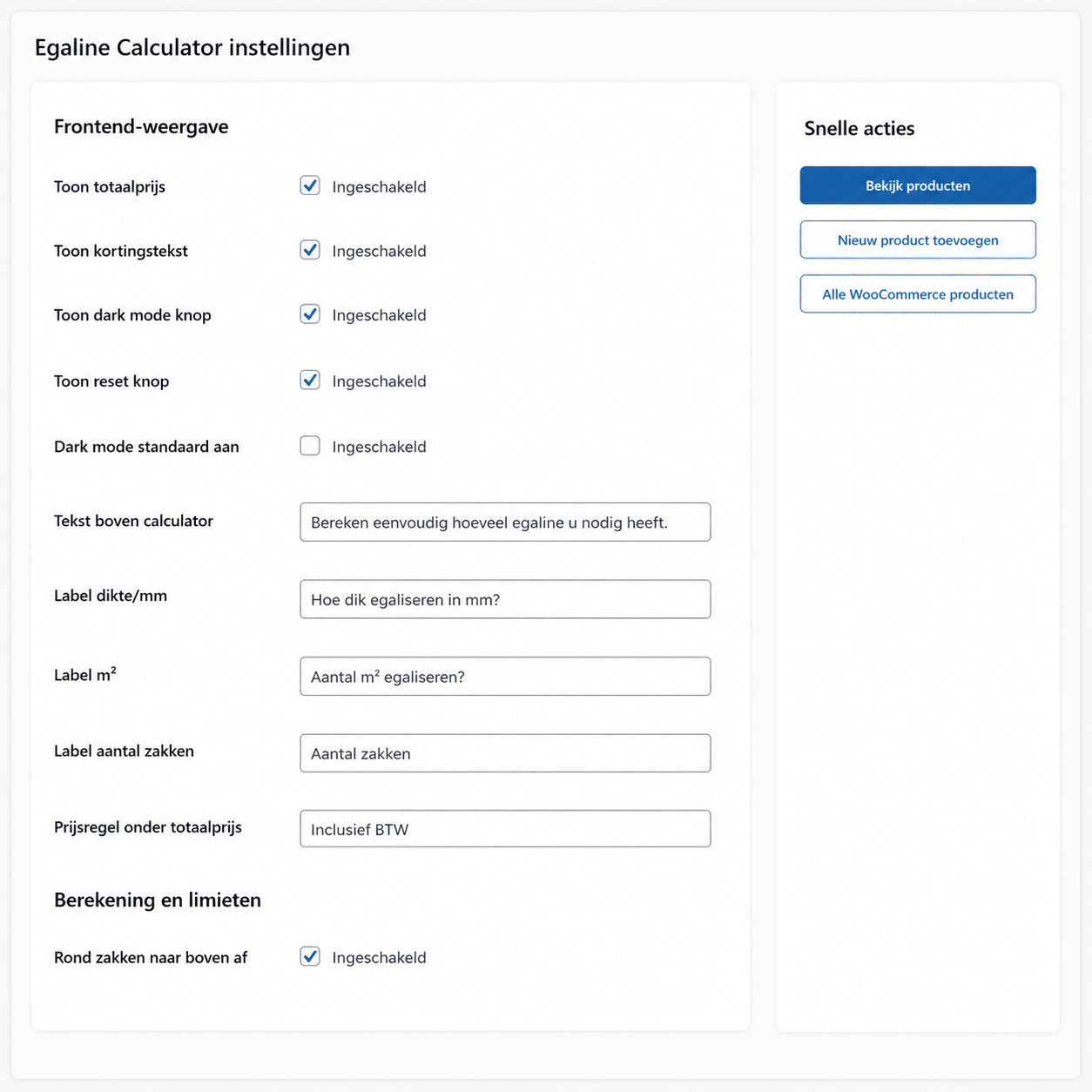
I integrated the Egaline Calculator directly into the WooCommerce product journey before add to cart. Customers enter relevant project measurements such as area and thickness, while product settings define factors such as bag weight, material density, calculation mode and optional discount thresholds. The plugin converts those inputs into the quantity needed for the selected product or variation.
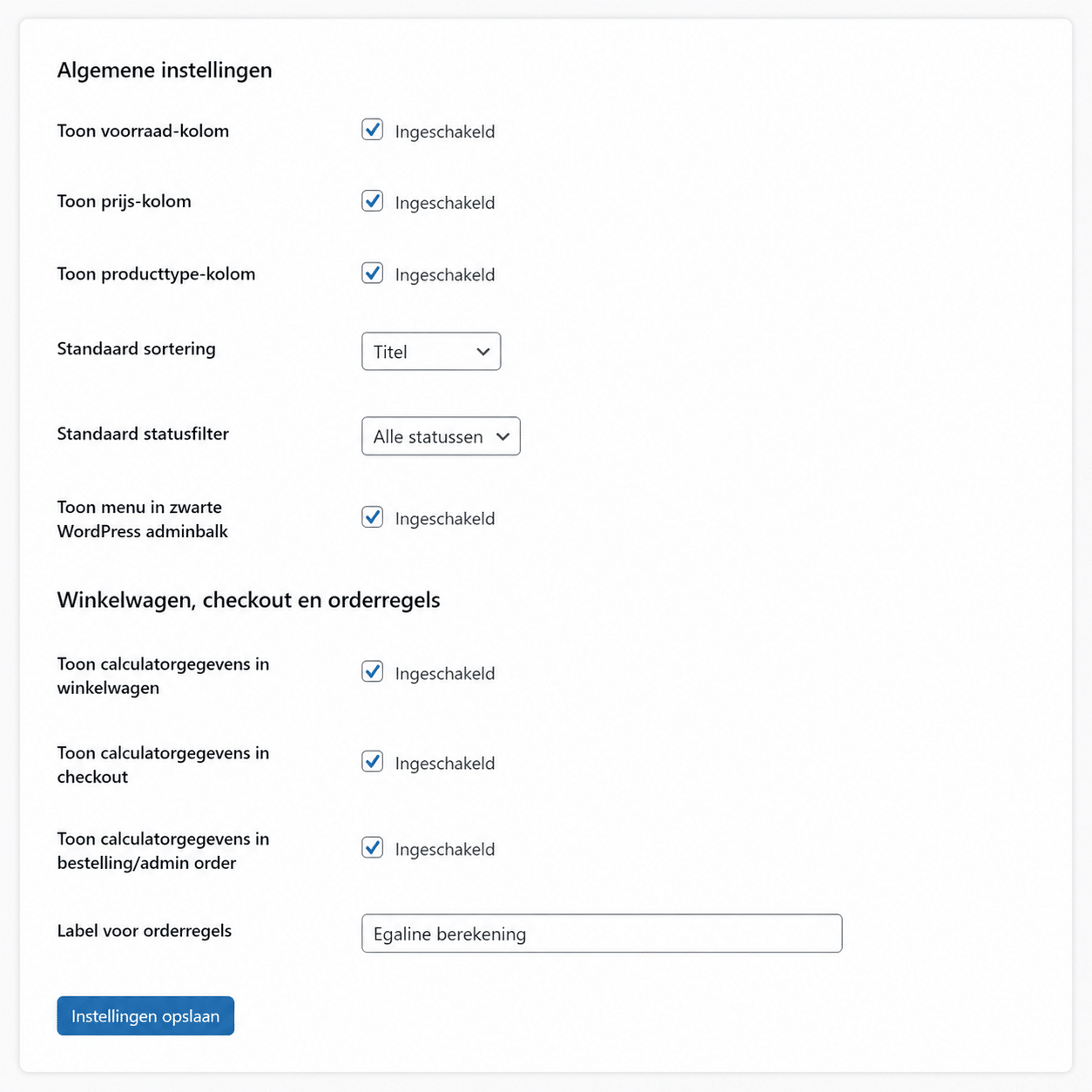
Relevant calculation data stays with the cart item and is preserved in the order so the purchasing record reflects how the quantity was determined. Input validation blocks invalid numerical values, while WooCommerce continues to handle normal pricing and tax behaviour. The responsive interface keeps controls usable. The portfolio case now shows how domain-specific material rules were connected to an ecommerce transaction rather than left as a separate estimate.