Homeplaza

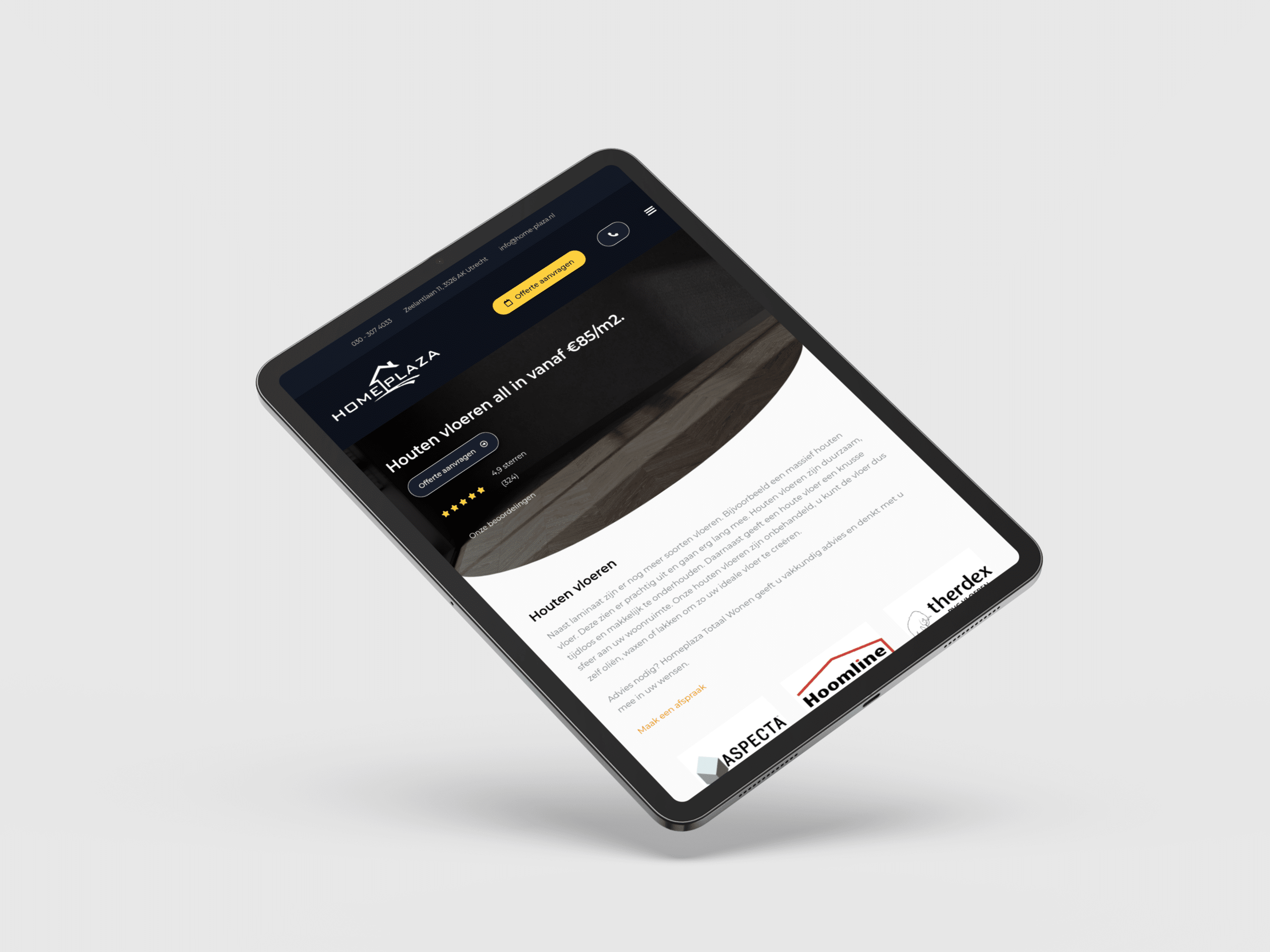
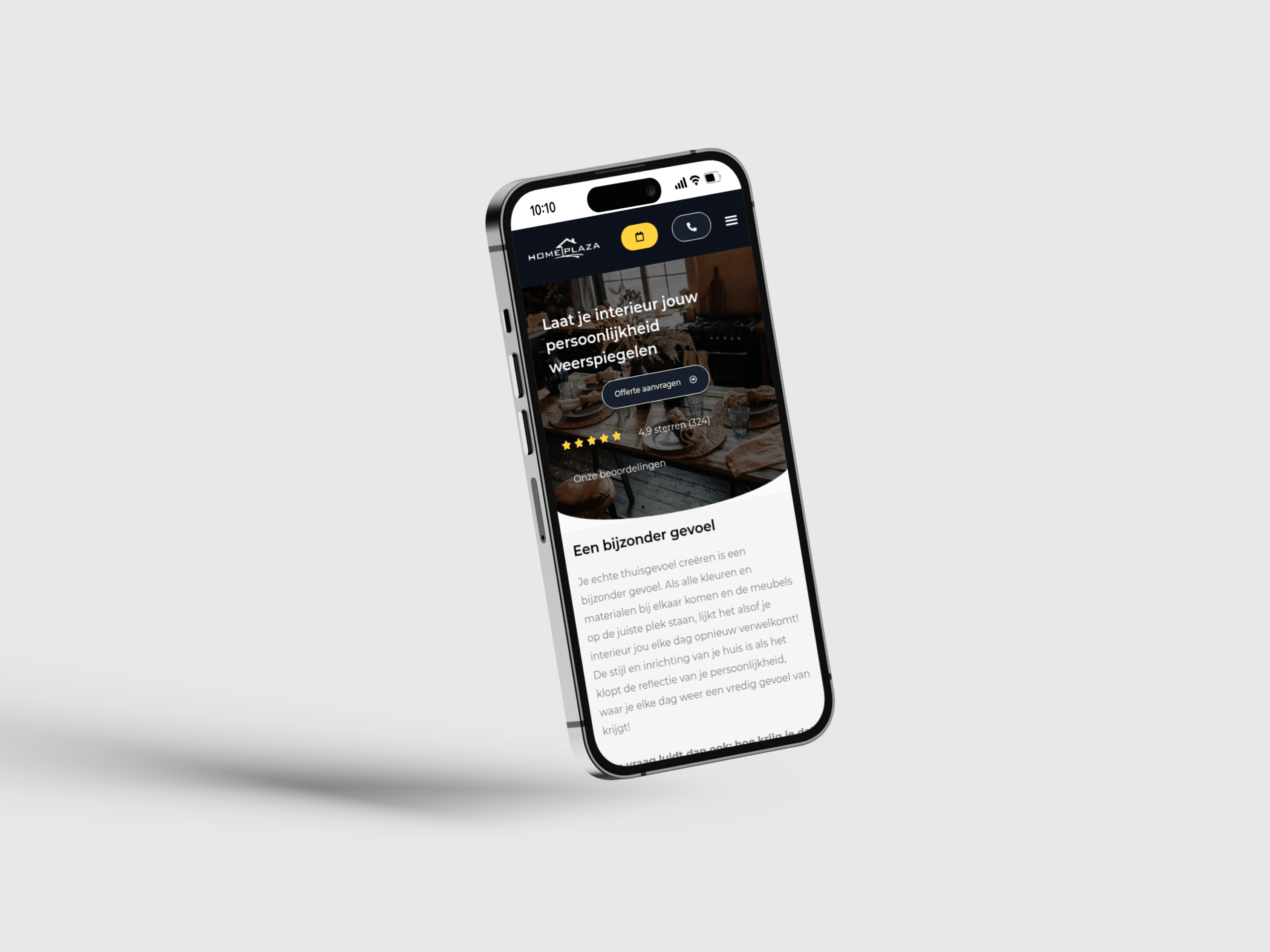
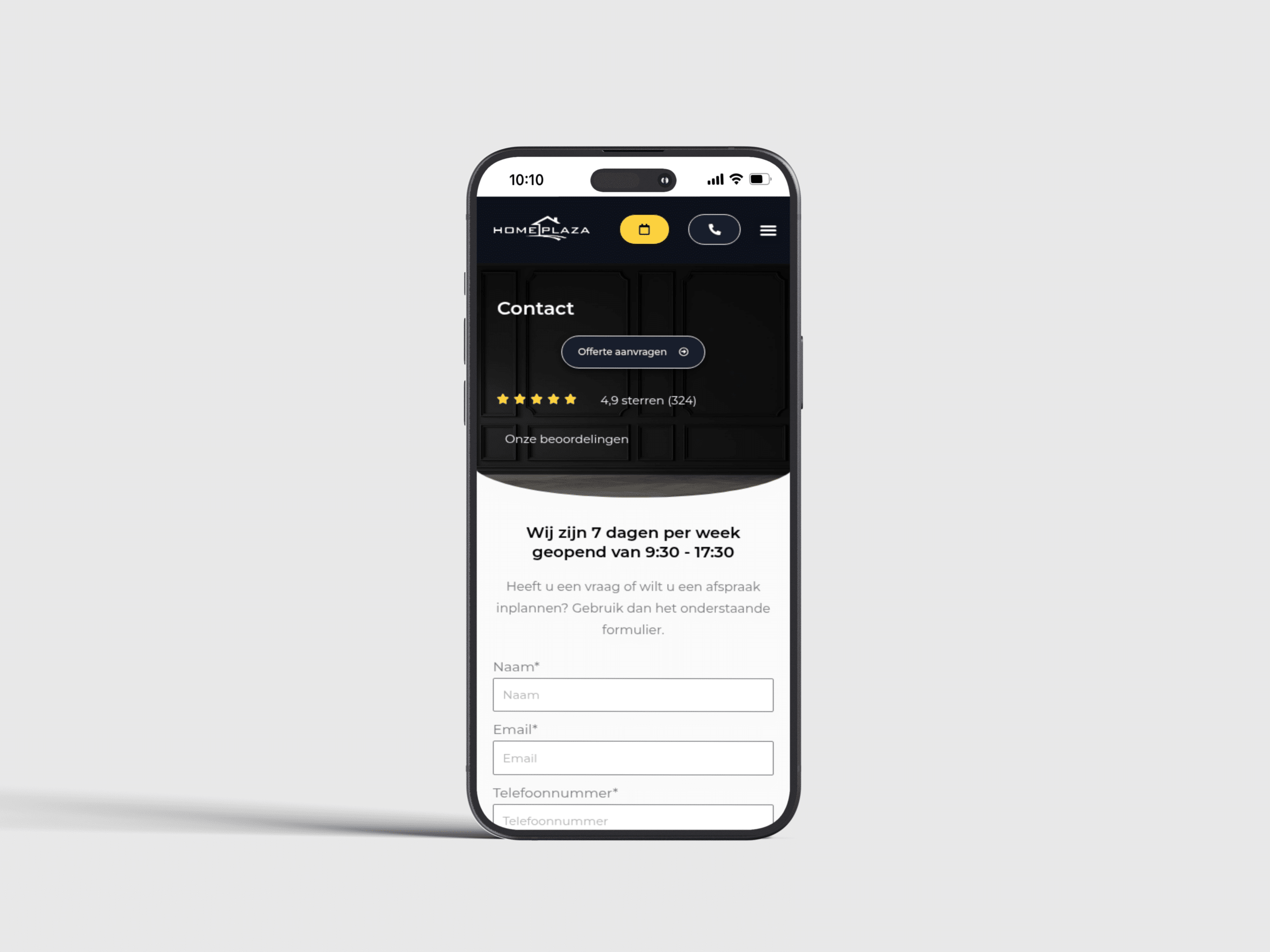
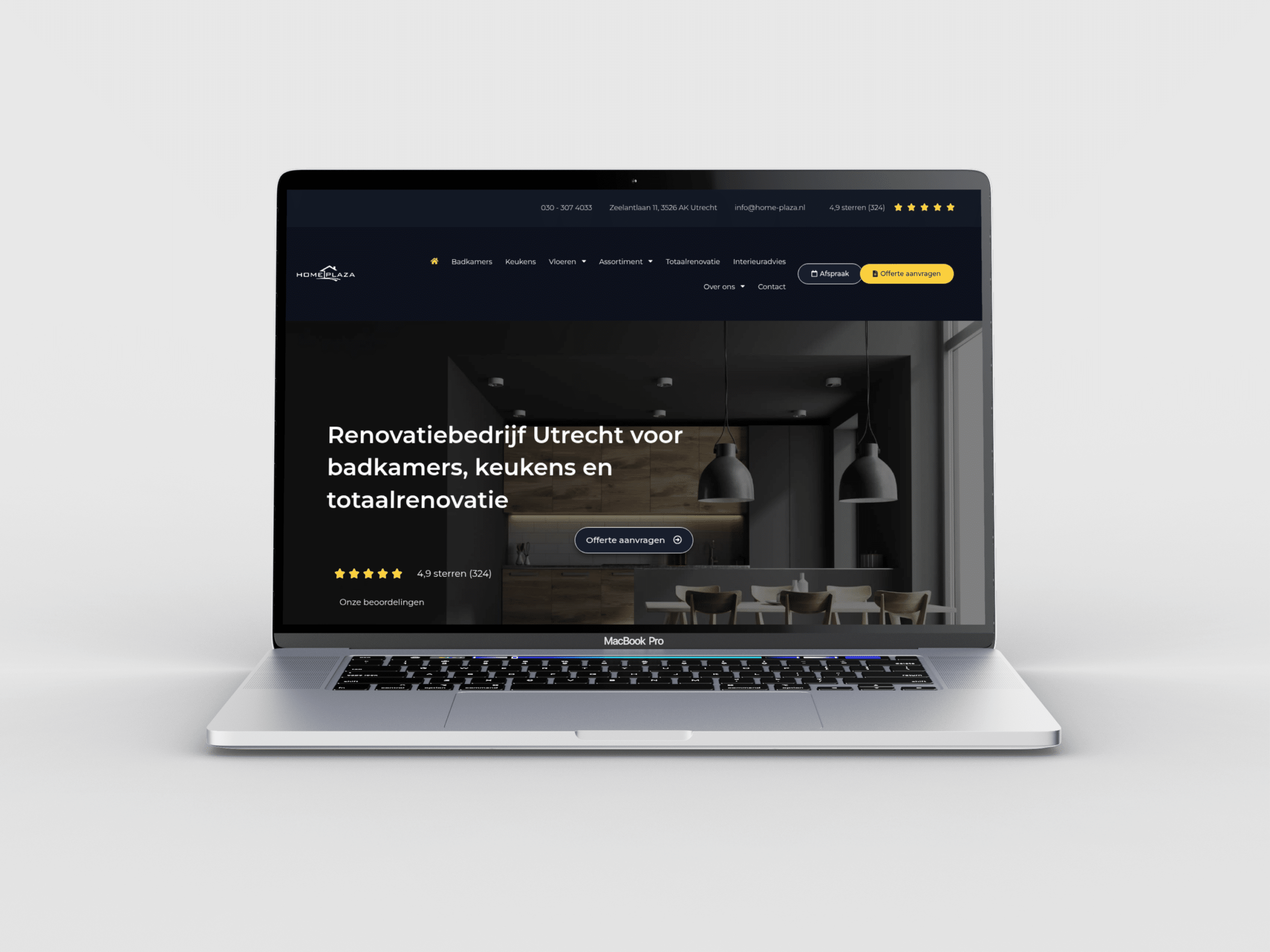
For Home Plaza, I built a WordPress website presenting renovation, showroom and interior services clearly; visit home-plaza.nl to explore their complete home improvement offering.

Created in collaboration with Webactueel

Client

Homeplaza

Category

Interior

Role

WordPress webdesigner

Link

Problem

Homeplaza has to help people explore home and interior options before they know the exact product or service they want. Visual inspiration can attract attention, but it creates a risk that practical categories and next steps disappear behind imagery. Visitors need a way to move from an idea for the home to information that helps them continue.

The website therefore needed clear category entry points, visual examples and practical context in the same journey. Different home choices should not be presented as interchangeable, and contact actions need to appear after useful information rather than before it. On mobile, image-led sections had to remain easy to scan. The portfolio problem was to organise inspiration around real decisions without turning the site into a generic lifestyle gallery.

Solution

I structured Homeplaza so visual inspiration supports the main home categories instead of replacing them. Visitors can start with the type of product or service they are exploring, see relevant examples and then move into the practical information connected to that choice. This keeps the browsing experience useful even when someone begins with a broad idea.

I used short headings and kept supporting details close to the category they explain. Contact or enquiry actions appear after enough context for a meaningful next step, and mobile layouts preserve the same priority between images, choices and actions. The portfolio case now shows how WordPress combines inspiration with category-based navigation for a home-focused offer, avoiding generic design claims or invented results about enquiries and sales.